
For an auto repair shop owner or manager who wants clear, useful enquiries rather than a website that only displays a phone number.
What an auto repair shop website should achieve
After reading, you will be able to map your website, prepare a page for a specific service, and check whether it gives customers enough information to make a decision.
-
A practical sitemap
Decide what deserves its own page and what can remain a section.
-
A service page template
Use a ready structure for a repair page without empty marketing language.
-
A path to booking
Connect a driver's search to trust checks and a clear enquiry step.
Answer the customer's questions before the first call
When a driver searches for “suspension repair near me” or “car diagnostics in my city,” they rarely begin with the company's history. First, they want answers to five questions: do you provide the repair they need, do you service their vehicle, how is the price calculated, can they trust you with the car, and how quickly can they book?
A good auto repair shop website is therefore not one long homepage filled with claims about “quality and professionalism.” It is a set of short paths to specific answers. A suspension query should lead to a suspension repair page. A search for a make-specific garage should lead to a relevant make or specialisation page. Someone ready to visit should immediately see the address, opening hours, phone number, and booking form.
The main principle: one important customer need should lead to one clear page or an unambiguous section. Do not make drivers hunt for the right service among general statements.
The minimum structure for an auto repair shop website
An independent auto repair shop usually needs seven core content areas. Some should be separate pages and others can be sections, but each must have a clear job.
1. Homepage: who you help and with what
The first screen should state your specialisation, city or area, primary action, and fastest contact method. “Suspension repair and diagnostics in Bristol” is more useful than “Reliability in every detail.” Below it, show the main service groups, reasons to choose the shop, several real jobs, reviews, and contact details.
2. Service catalogue
Do not stop at generic cards for “Diagnostics,” “Repairs,” and “Maintenance.” Group work the way drivers search for it: suspension, brakes, engine, electrics, air conditioning, and scheduled maintenance. Each priority service should lead to a dedicated page explaining symptoms, process, pricing, and booking.
3. Individual service pages
These pages answer specific searches and help generate more useful enquiries. A suspension repair page should explain when to contact the shop, what the inspection covers, what affects the estimate, and what information the customer should provide when booking.
4. Pricing or calculation rules
If you cannot quote the final amount before an inspection, explain the process instead of hiding it. Show fixed prices for standard jobs where possible. For complex repairs, outline the sequence: initial inspection → proposed work and parts → customer approval → repair.
5. Case studies and real work
One useful case study is more persuasive than a gallery of twenty cars with no context. State the vehicle, the owner's concern, what the inspection found, what work was approved, and what you checked before handover. Do not publish registration plates or personal details without permission.
6. About the workshop and team
Show the actual premises, equipment, technicians' specialisms, and how you communicate with customers. If you have verified certificates or use specific technology, explain what that means for the vehicle owner. Do not replace evidence with stock photography.
7. Contact and booking
The address, map, current opening hours, phone number, messaging option, entrance directions, and a short form should be accessible from every service page. For the first enquiry, a name, phone number, vehicle, and short description of the problem are usually enough. Collect a detailed technical questionnaire after a manager makes contact.
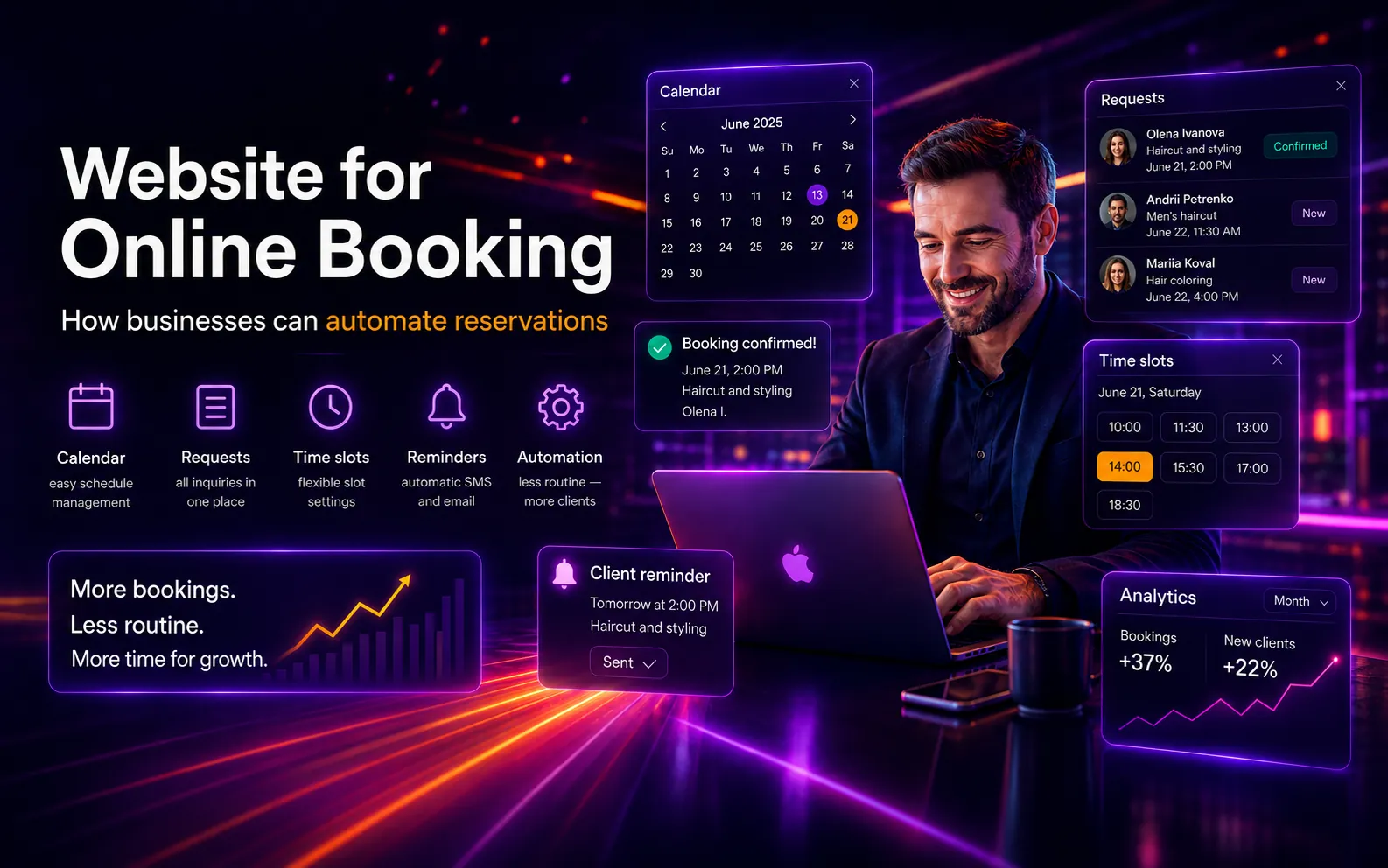
If you handle many bookings, plan how available slots, confirmations, and rescheduling will work. We cover that workflow in “Online booking websites: how businesses can automate appointments”.
Which website format suits your repair shop?
The right number of pages depends on your specialisation, locations, and how customers choose a repair shop—not on design trends.
One workshop with one specialisation or a short service list
A compact website with 5–7 pages
A homepage, service overview, priority service pages, completed work, an about page, and contact details create a clear route to an enquiry.
Not a fit when: A single page may not be enough when customers search for services separately or you specialise in several vehicle makes.
Explore corporate website developmentMany repair categories and separate technician teams
A multi-page website with a service catalogue
Each important service gets its own page, helping customers find the right repair, examples, and booking details faster.
Not a fit when: You need a content plan: thin pages with near-identical copy do not help drivers or search engines.
Several branches or different services at each location
Dedicated branch pages with accurate details
For every location, show its address, hours, contacts, available services, entrance photos, and relevant service details.
Not a fit when: Do not duplicate one page for different cities unless there is a real branch and genuinely distinct information.
You need to launch an ad campaign for one seasonal service
A dedicated campaign landing page
The page can focus on tyre fitting, air conditioning, or seasonal preparation and lead to one clear action.
Not a fit when: A landing page does not replace a full website if the shop plans to grow organic visibility across many services.
Explore landing page developmentScenario: a driver searches for suspension repair
Situation
After hearing a knocking sound on uneven roads, a driver searches Google for suspension repair in their city. They open several websites but do not know whether the problem is urgent or what the repair might cost.
Constraint
The repair shop cannot honestly quote a final price without an inspection. At the same time, a page that only displays a phone number gives the driver little reason to choose that shop.
Decision
The page explains common reasons to book, the inspection stages, how estimates are approved, the vehicle makes the shop services, and two genuine examples of completed work. A short booking form asks for the vehicle and the customer's concern.
Result
Before the conversation begins, the service advisor already knows the vehicle and symptom. The driver understands the next step: an inspection first, followed by an approved list of work—not a guess presented as a firm price.
A service page should reduce uncertainty as far as possible before the vehicle is inspected.
A ready-to-use auto repair service page template
Copy this structure and complete it with facts from your workshop. It works for suspension repairs, brakes, auto electrics, or another focused service.
1. Service name + city or area
Suspension repair in [city]: diagnostics, approval and booking

2. A short answer
What you inspect, which vehicles you service, and how to book.

3. When to contact the shop
Four to six clear symptoms without encouraging self-diagnosis or using fear.

4. What the service includes
Initial check → diagnosis → explanation → estimate → approval → repair → final check.

5. What affects the price
Labour, vehicle model, component condition, and parts availability and choice. Clearly separate what you can quote before an inspection.

6. Examples of completed work
Vehicle → customer's concern → what you found → what was approved → what you did.

7. Trust
Photos of the workshop, equipment, technician, or process; verified reviews and warranty terms where they genuinely apply.

8. Booking
Name, phone number, make/model, symptom or requested service. Keep the phone number and opening hours nearby.
How to present pricing when diagnosis determines the final cost
“Price on request” gives the customer no reference point. An invented fixed price creates a different problem because it may change after inspection. The page should clearly separate what is known before the visit from what diagnosis will determine.
What you can show immediately
- a fixed price for a standard operation when it is genuinely consistent;
- the initial diagnostic fee, or the rule for including it in the repair;
- a “from” price when the lower figure is real and the reasons it can change are listed alongside it;
- items charged separately, such as parts, consumables, and additional work;
- the stage at which the customer receives and approves the estimate.
A useful statement might be: “After diagnosis, the technician explains the faults and the service advisor agrees the work and parts with you. We do not begin additional work without your approval.” Only use it if your team genuinely follows that process.
Which photos help customers decide
Show the building and entrance, reception area, work bays, equipment, team, and repair process. For a case study, photograph several stages of one vehicle: the reason for the visit, the fault found, and the completed work. A caption should explain what the reader is seeing instead of repeating “high-quality car repair.”
Photography should prove that the workshop is real. Do not show someone else's premises, unrelated prestige cars, or generated interfaces customers will never see when they arrive.
A website does not replace your Google Business Profile
Consistent address, opening-hours, and contact details matter when customers choose a local business. Google describes local results in terms of relevance, distance, and prominence, and recommends keeping Business Profile information complete, adding photos, and responding to reviews. No single action guarantees a particular ranking.
What to do: Match the business name, address, phone number, opening hours, and services across the website and Google Business Profile. Check LocalBusiness structured data and ensure every listed location is real and accurate.
Google Business Profile Help: local visibility guidancePre-launch checklist for an auto repair shop website
- Choose your priority services. Start with work the shop genuinely provides and wants to book more often.
- Collect the phrases customers use. Note recurring questions from calls and messages: symptoms, vehicle make, area, urgency, and price.
- Build a page map. Do not create a separate URL only to target a keyword; every page should provide a useful answer of its own.
- Prepare factual material. Gather the service list, pricing rules, opening hours, contacts, genuine workshop photos, and three to five complete case studies.
- Keep the first booking step short. Ask only for the information the service advisor needs to begin the conversation.
- Test the mobile journey. Without zooming, a visitor should be able to find a service, call, get directions, or submit an enquiry.
- Set up measurement. Track phone and messenger clicks, form submissions, and confirmed bookings—not visits alone.
If the structure still feels like one long page, return to the customer's journey. A website becomes clear not when it has many sections, but when each question leads to the right answer.