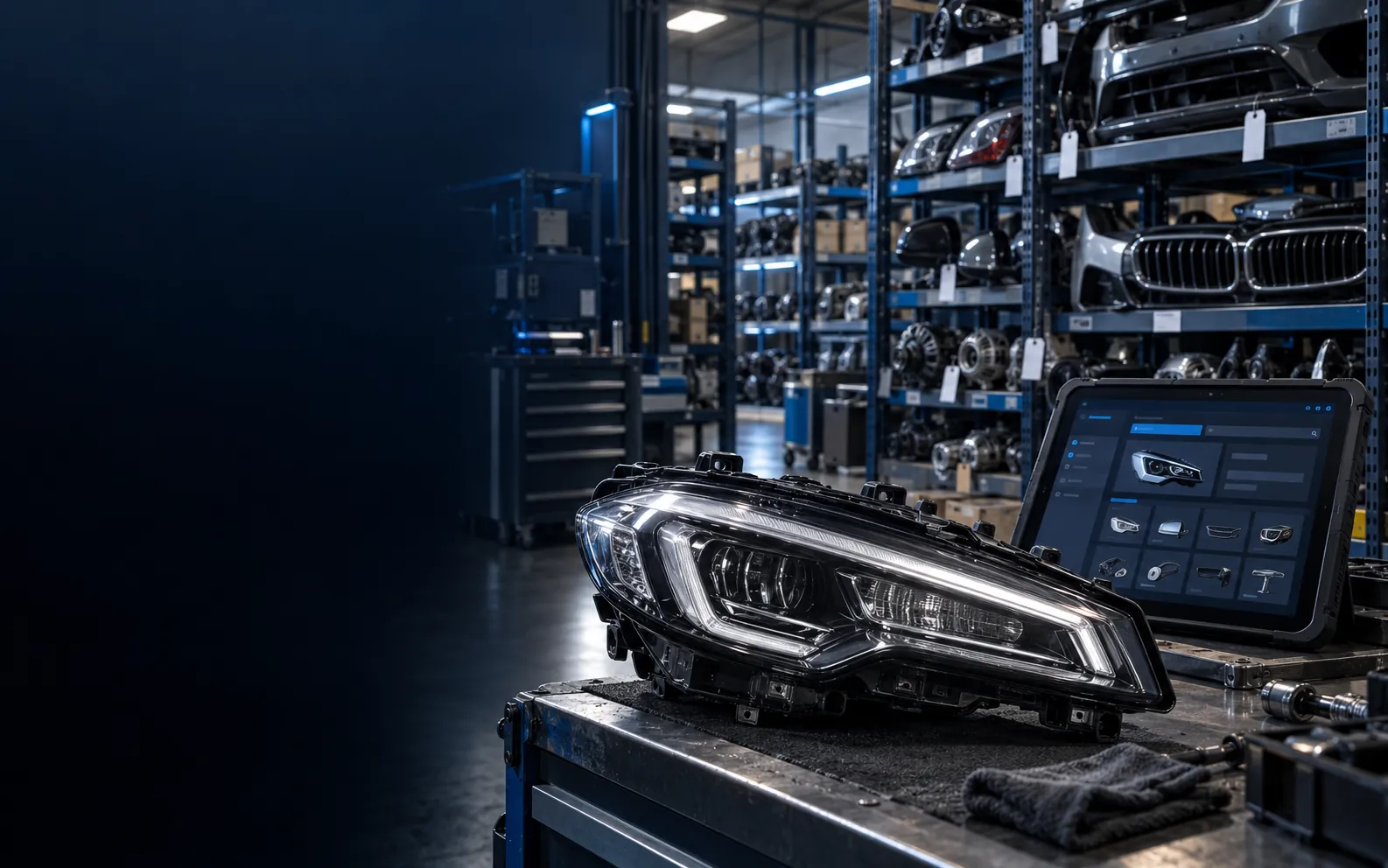
A catalog starts with an individual part
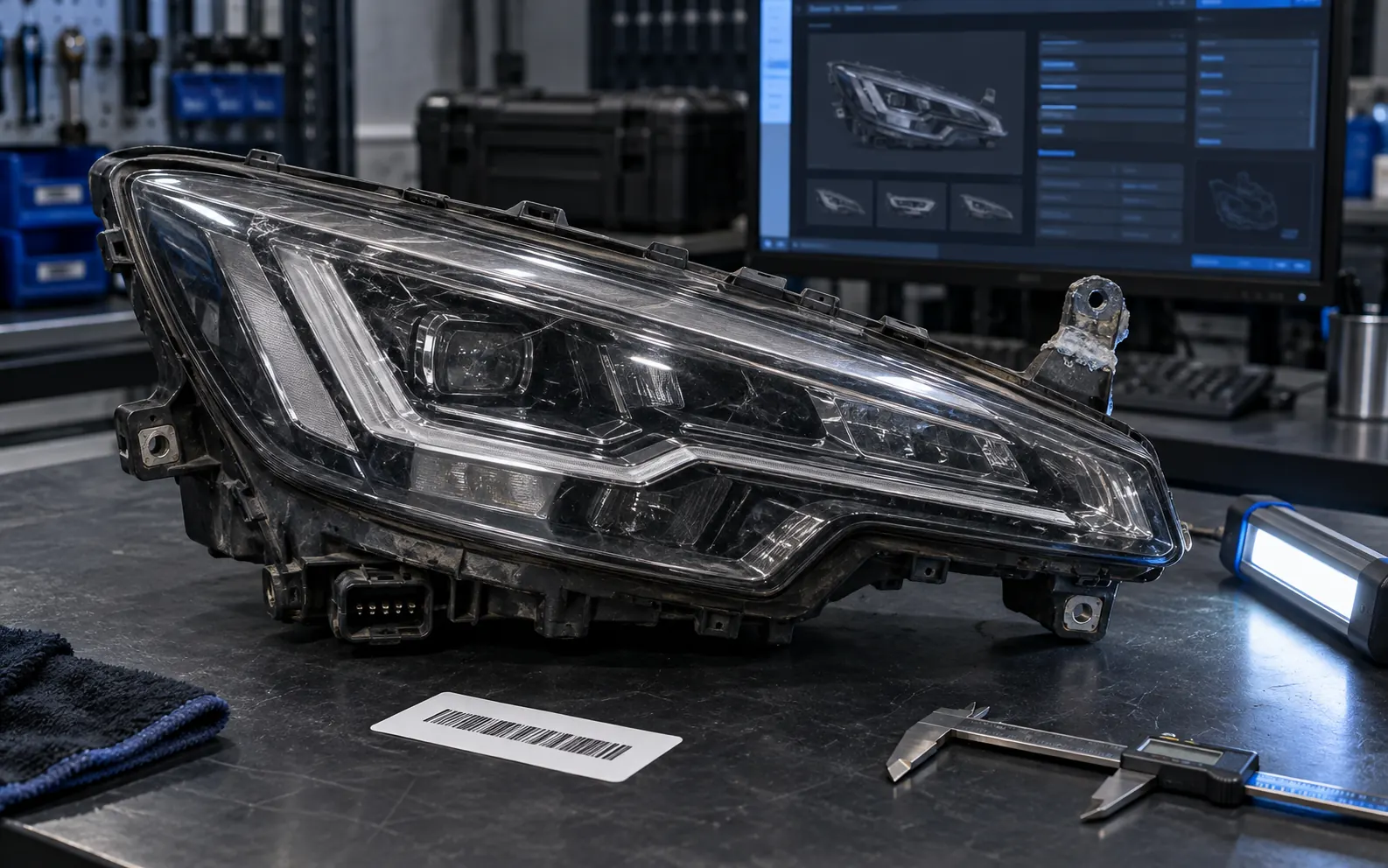
A dismantler may have two headlights that look identical: one with intact mounts, another repaired; one available, the other promised to a buyer. A listing that says “headlight, quantity 2” still leaves staff searching their phones for photos and asking the warehouse about condition.
Separate the part identity, the physical unit being sold, and its current availability. An OE number supports discovery, the donor describes origin, and an inventory record holds the condition, location and reservation of an individual unit.
This guide is for dismantlers, catalog managers and website teams. It presents a recommended workflow, not measured client results. Stock IDs, locations and enquiries below are illustrative and should be adapted to your warehouse.
From stock to reservation: five steps
Follow one headlight through the process. Each stage should hand over the information the next person needs.
-
Receive the part
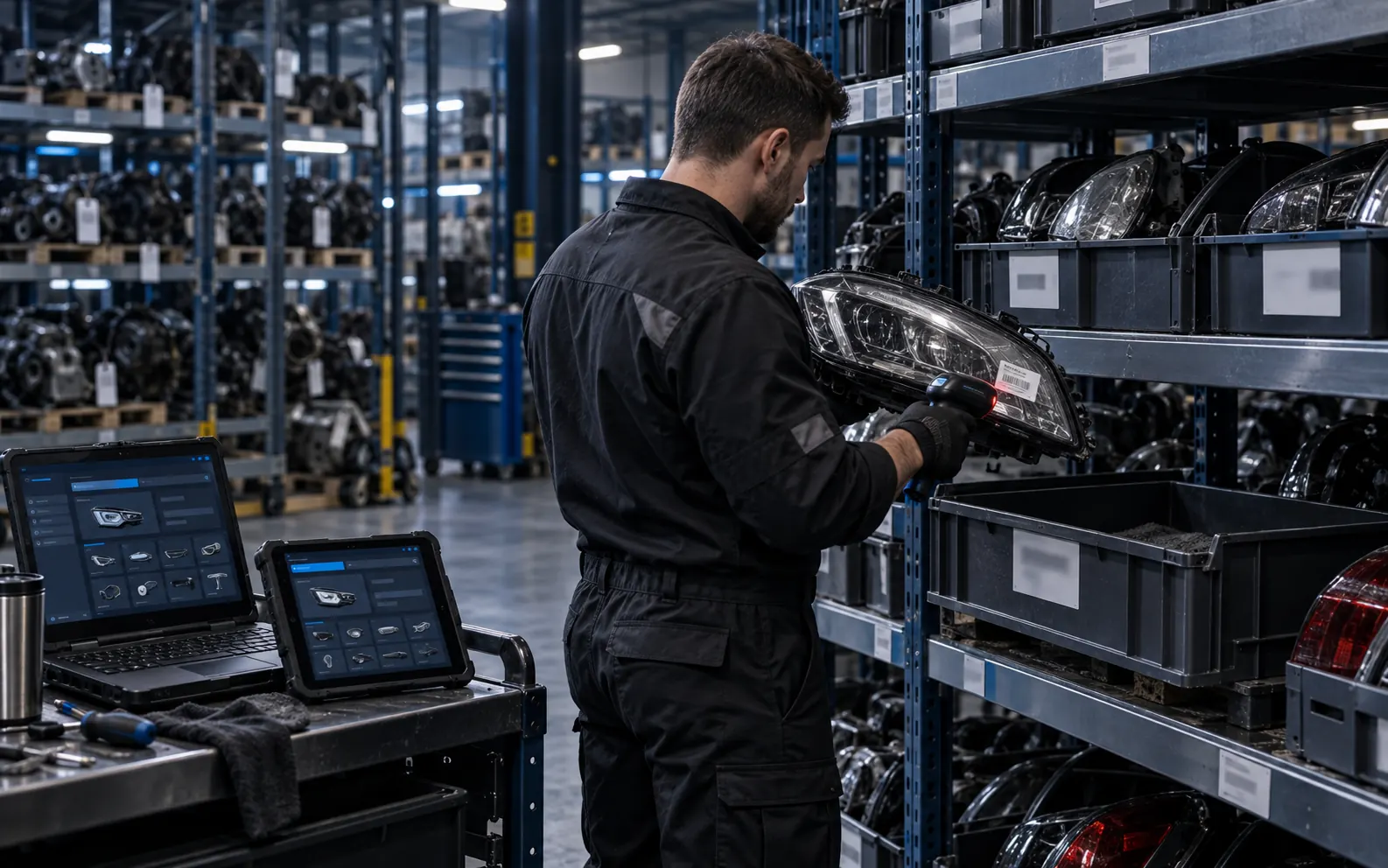
Assign stock ID R-0148 and location B-03-02. Record condition and photograph this exact unit. Link a donor when its origin is known.
-
Buyer searches
The buyer enters a part number or chooses a vehicle and Lighting category. Results show side, headlight type, condition and availability.
-
Confirm fitment
Staff compare the number, variant, connectors, equipment and, where needed, buyer vehicle data. Matching a model or year alone does not establish fitment.
-
Contextual enquiry
The enquiry includes R-0148, the listing URL, contact details and the buyer’s question, so staff know which headlight is being discussed.
-
Confirmed reservation
After checking availability, a responsible staff member reserves R-0148 against the enquiry until an agreed deadline. Other staff see that the unit is unavailable.
OE number, stock ID and donor: keep them separate
OEM means original equipment manufacturer. In parts catalogs, “OEM number” commonly refers to the original equipment part number, or OE number. It identifies a manufacturer’s part reference, not your individual used unit.
- OE number: record the marking and verification source; not every number on a housing is a catalog reference.
- Stock ID: your stable identifier, such as R-0148, shared by inventory, photos, enquiries and reservations.
- Donor: a separate vehicle record that can be linked to many removed parts.
- Fitment: verified applications, not every vehicle sharing a model name.
Units with the same OE number can differ in condition, included components and price. Track them separately for individual sales. Aggregate quantities only for genuinely interchangeable stock where a specific photographed unit is not promised.
Example used-part record
An illustrative record for one headlight. Public fields describe the product; internal fields help staff locate and release the correct unit.
- Public title
- Left front headlight — make, model, generation and lighting type. Use verified attributes rather than a list of similar vehicles.
- Individual stock ID
- R-0148. A stable code that remains unchanged when the item moves to another shelf.
- OE number
- Verified marking plus a label photo. No real OE number is supplied in this example.
- Origin
- Donor D-026 with its actual variant and equipment. Explicitly mark unknown origin.
- Condition and contents
- Left headlight; one mount repaired; control unit not included. State what was tested and when. These are illustrative details, not a real product listing.
- Photos
- Overall view, markings, connectors, mounts and defects of this unit. A donor photo does not replace part photos.
- Price and availability
- Actual price or an explicit price enquiry; Available only after receipt and inspection. Keep delivery and return terms nearby.
- Internal fields
- Location B-03-02, purchase cost, responsible staff, movement and reservation history. Customer contact details stay private.
Designing part-number and vehicle search
Offer two entry points: part-number search and vehicle/category browsing. The Bosch catalog also separates vehicle and product search. This is a navigation reference, not a promise of access to its data.
Store the original number alongside a normalized search value with consistent case and spacing. Validate hyphen handling against your data. Preserve leading zeros and suffixes: they may be significant. Treat numbers as text during spreadsheet imports.
Rank exact matches first. Show verified supersessions and alternatives separately with their source. A partial match is a discovery aid, not fitment confirmation. Empty results should offer a filter reset or an enquiry with a number, photo and vehicle details.
Start filters with make, model, generation and category. Add side, engine, transmission or lighting type only where the underlying data is maintained. Incomplete filters can hide available stock. Test mobile search on several dozen actual inventory records before a bulk import.
Donors and fitment without false assumptions
A donor record should include make, model, generation, year, engine code, transmission and known equipment. Use VIN internally where needed for verification. Link only parts with confirmed origin; standalone stock without a donor must remain valid inventory.
Origin and fitment are different relationships. A part may fit several variants, but that requires verification. Headlights may differ by side, lighting technology, connectors and market; electronic modules may differ by version or configuration requirements. Visual similarity is not enough.
Before confirmation, staff compare markings, buyer vehicle data, equipment and available manufacturer catalog information. Where evidence is insufficient, request clarification rather than marking a filtered result compatible.
Distinguish parts still fitted to a donor from dispatch-ready stock. “On donor; inspection and removal required” gives buyers a more accurate expectation than “Ready to ship”.
Stock and availability you can trust
This is a recommended lifecycle for individual inventory. Labels can vary, but staff need a shared definition of availability.
-
Awaiting inspection
The part is received, but its condition, contents or number is not yet verified. Do not promise immediate dispatch.
-
Available
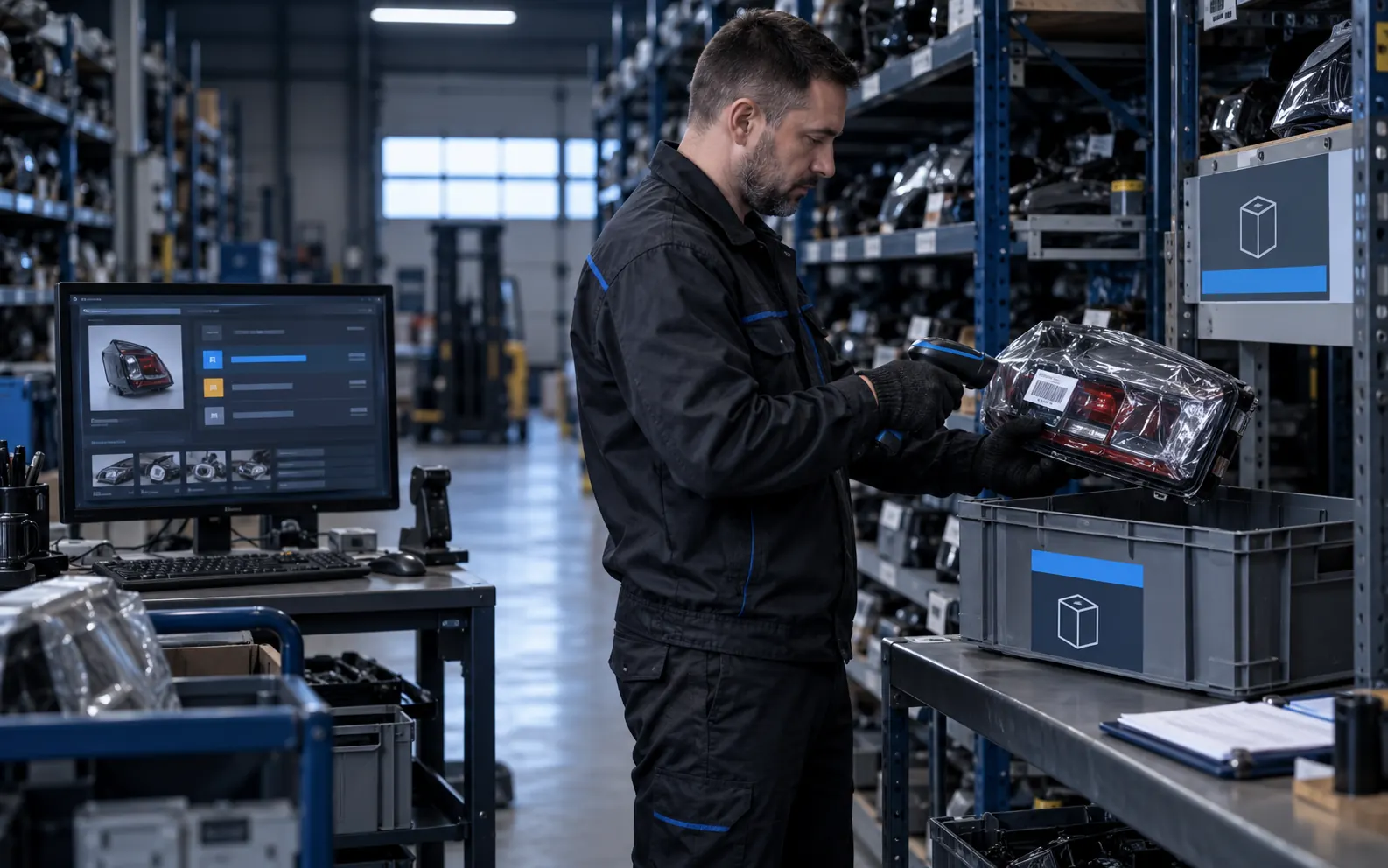
The unit is checked, has a storage location and has no active reservation. It can be offered to a buyer.
-
Reserved
The record is linked to an enquiry, owner and deadline. Other sales channels must also receive updated availability.
-
Sold
The unit cannot be sold again. Preserve its history and record, and display the status clearly.
-
Return / reinspection
Inspect returned units before making them available again. Record their current condition rather than simply increasing stock.
Enquiry data and preventing double reservations
A minimal enquiry includes contact details, stock ID, listing URL and a comment. Request vehicle details or a marking photo when needed for fitment, rather than requiring a long form from every buyer. Preserve separate lines for multi-part requests so staff can confirm some items independently.
“Left headlight R-0148; please check the connector against my photo” provides more context than “Interested in this item”. After submission, explain that the request was received and availability still needs confirmation if no automatic reservation exists.
Set a reservation owner, expiry and extension rule. A system process or assigned person releases expired or cancelled reservations. A unit sold or moved to inspection in the meantime must not become available automatically.
Test two staff members trying to reserve R-0148 at once: only one should succeed, while the other receives the current state. Make this an acceptance test; a Reserved label alone is insufficient. Agree marketplace integrations, update delays and failure handling separately.
Catalog structure for buyers and Google
Use understandable categories and stable part pages. Buyers should reach listings through normal links, not only internal search. A listing URL should not change when an item moves shelves.
Titles and descriptions need factual specifications, original photos, condition, included components and availability. Avoid duplicate pages for every city or filter combination. Dedicated model/category pages need relevant stock and useful content of their own.
Google recommends consistent URLs across internal links, sitemaps and canonical tags and avoiding unnecessary duplicate addresses. Define filter and duplicate handling before bulk catalog creation.
Do not automatically redirect sold listings to the homepage. Retain useful pages with Sold status and relevant alternatives. Permanently removed pages without replacements should return 404 or 410; redirect only to a genuinely appropriate replacement. Structured data and feeds should reflect visible availability.
This structure does not guarantee Google rankings. Review indexing and queries in Search Console and judge commercial outcomes by confirmed enquiries and sales.
Pre-launch catalog checklist
Start with a small representative batch across categories, known and unknown donors, damaged units and sold stock. Expand only after validating the workflow.
-
Prepare records
Each item has a unique stock ID; OE numbers are text. Categories and vehicle names are consistent and duplicates reviewed.
-
Check listings
Photos match the unit. Condition, defects, contents, price and fulfilment terms are clear before enquiry.
-
Test search
Spaced numbers remain discoverable and leading zeros survive. Empty results offer a next step and filters work on mobile.
-
Test enquiry and reservation
Staff receive stock ID and contact details. Test simultaneous reservation, cancellation, expiry and a sale through another channel.
-
Assign ownership
Assign receiving, fitment, stock updates and import-error handling. Establish a backup procedure.
-
Check discovery
Categories link to listings; canonical URLs and sitemap agree. Sold stock, empty pages and duplicates follow defined rules.
A ready-made system or a custom workflow
For a dismantler, evaluating a demo means checking how catalog, donors, inventory and enquiries connect. CreonixLab offers a ready-made website and system for dismantlers with used-parts listings, donors, vehicle and OE search, enquiries and reservations. Its page describes the features and links to a demo.
Take a few of your own stock examples and walk through this guide’s workflow with the development team. Agree imports, fitment rules, reservation deadlines and stock exchange separately: recommendations in this guide do not imply that every integration is included in the standard package.
For a different purchase flow, online payments or complex sales logic, consider custom ecommerce development. Prepare an anonymized sample spreadsheet, sales-channel list and stock rules for a meaningful estimate.