All works
2026 Auto repair and maintenance DriveLab demo project

DriveLab auto service project

A niche WordPress website for an auto repair shop that structures services and prices, demonstrates expertise, builds trust, and guides visitors to a specific online booking request.

CreonixLab web project

DriveLab auto service project
Industry
Auto repair and maintenance
Website
drivelab.stvoryweb.com.ua
Year
2026
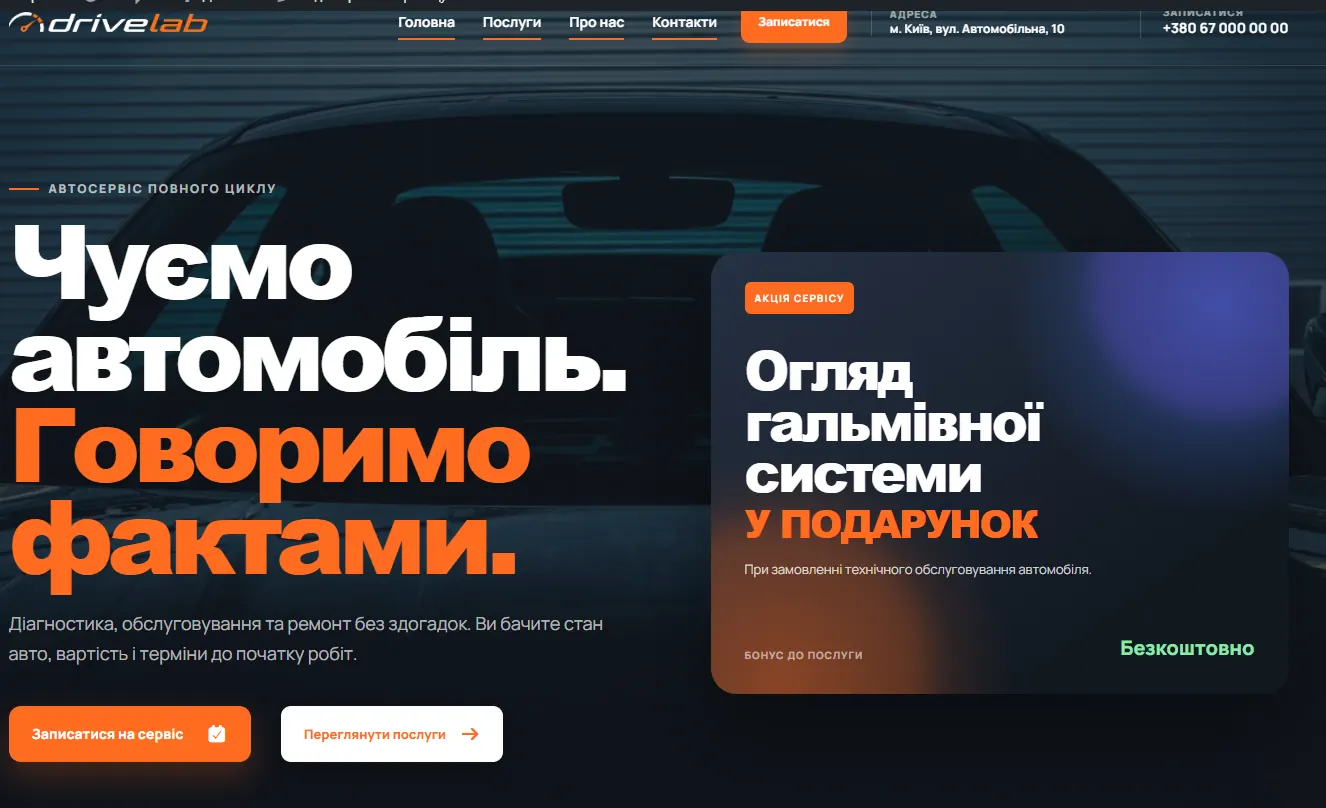
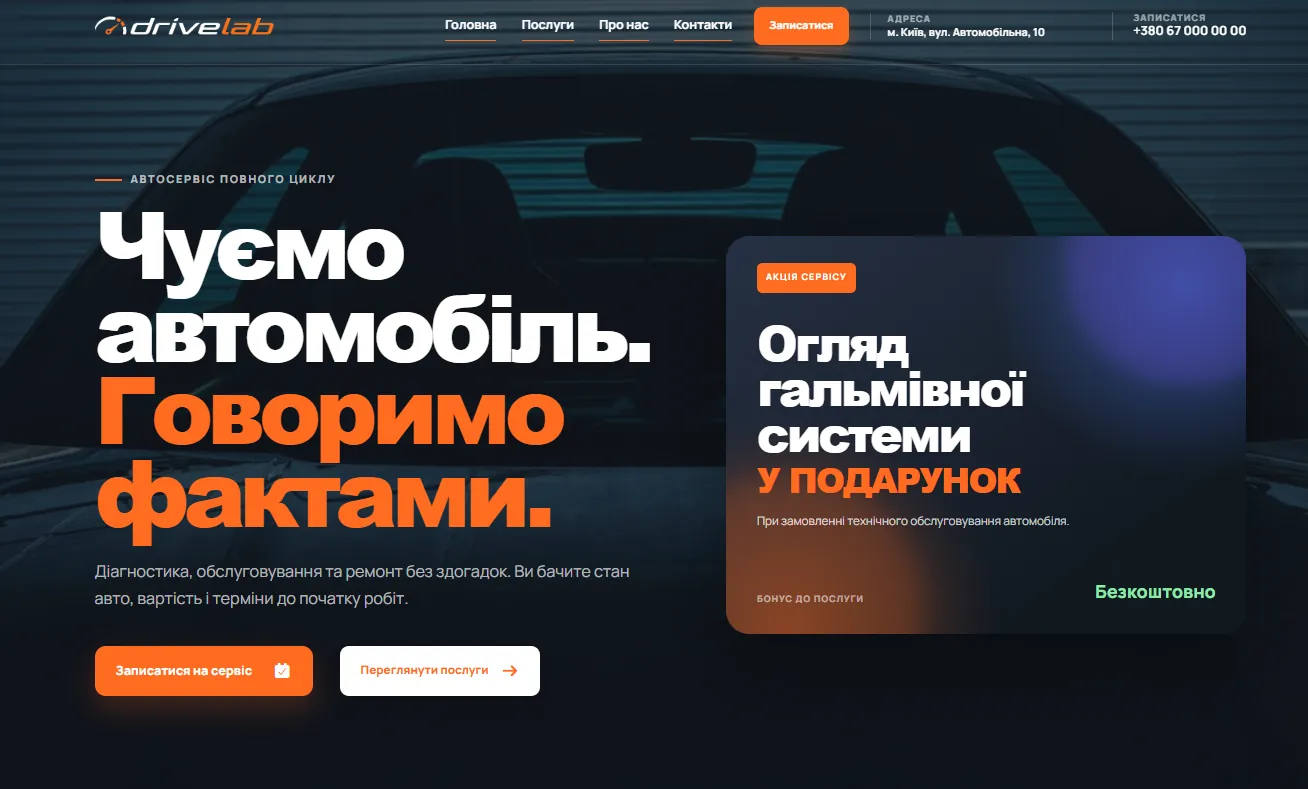
Homepage of the DriveLab WordPress auto service website
DriveLab homepage · niche auto repair website

Niche corporate website

WordPress auto service website: from first contact to online booking

DriveLab demonstrates how an auto repair website can do more than introduce a company. It progressively answers the questions drivers actually have: what the shop repairs, which vehicles it supports, what typical services cost, how maintenance works, and how to book.

We combined service presentation, trust signals, and a specific inquiry form into one mobile-first journey.

Business challenge

Business challenge: turn online presence into a clear booking channel

Social profiles and map listings prove that a shop exists, but rarely explain its specialization or service process. Before calling, customers still have to ask about services, approximate prices, booking availability, and guarantees.

The challenge was to answer these questions before contact and give the manager a clearly defined inquiry.

Project composition

Implemented modules

  • Clear positioning

    The first screen immediately communicates the shop profile, key advantage, and next action.

  • Transparent services and prices

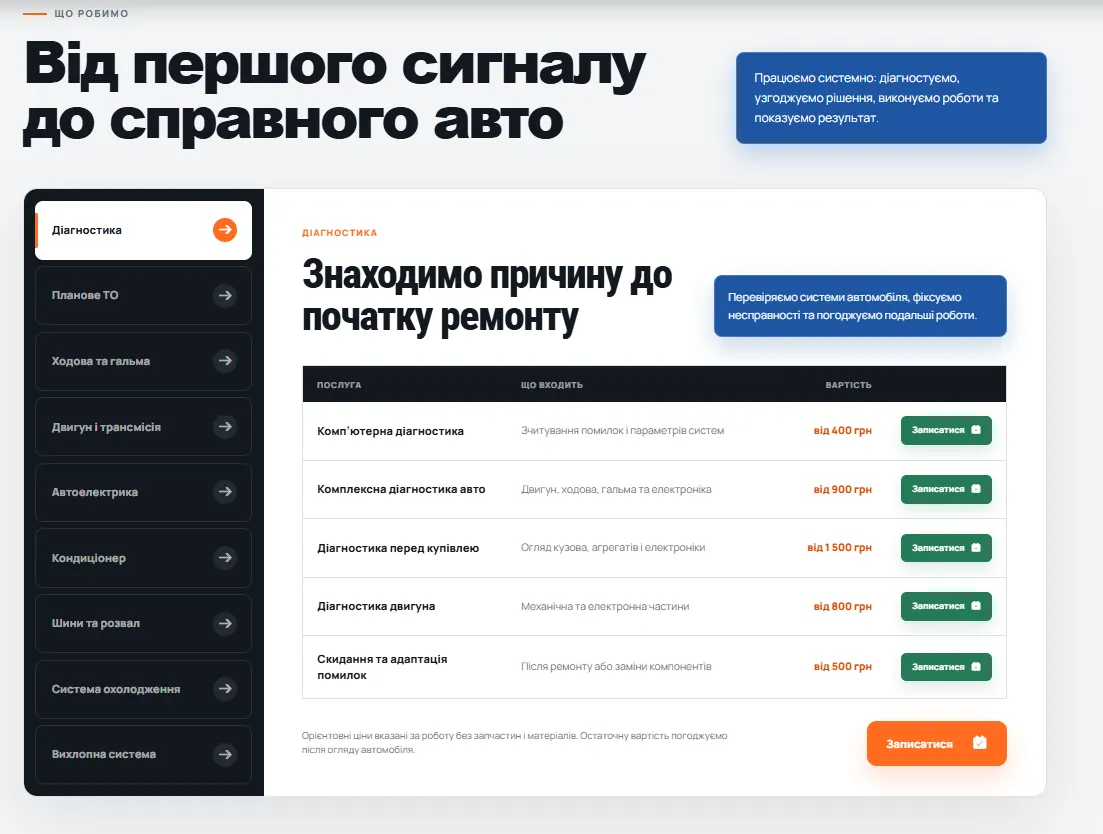
    The catalog presents work categories, specific services, indicative prices, and important notes.

  • Proof before the first call

    Images, case studies, reviews, supported brands, and process details build trust before contact.

  • Specific online inquiry

    Customers select a service, so the manager immediately understands the reason for contact.
Information architecture

A one-page structure that guides the decision

The website is designed as a sequence of answers rather than a random collection of sections. Every block resolves another driver concern and returns to booking at the right moment.

Project composition

Implemented modules

  • Hero section

    Shop positioning, two primary actions, a promotion, and a direct booking path.

  • Supported car brands

    An editable brand list communicates specialization without lengthy explanation.

  • Services and prices

    Tabbed categories help visitors find the relevant type of work quickly.

  • About and process

    Workshop imagery, trust indicators, and steps from diagnostics to vehicle handover.

  • Completed work

    Case studies structure the problem, delivered solution, timeline, and cost.

  • Reviews

    Social proof supports the decision after visitors review available services.

  • FAQ

    Answers address booking, pricing, warranty, and service-process questions.

  • Contacts and map

    Opening hours, phone numbers, messengers, directions, and the final booking form are kept together.

Conversion flow

A service catalog and booking form powered by one data source

A key product decision was to avoid maintaining services separately in the catalog and booking form. Form options are generated from current WordPress service records, so the manager edits a title or adds a new service in one place only.

Every service has a contextual action that opens the form with the inquiry subject already selected.

Project composition

Implemented modules

  • Tabbed categories

    Large service lists remain compact and easy to navigate.

  • Indicative pricing

    Pricing and notes establish realistic expectations before contact.

  • Contextual booking action

    The form opens with the exact service the visitor was viewing.

  • Automatic service list

    New or updated services appear in the form without duplicate data entry.

  • Actionable manager inquiry

    The inquiry already contains a specific service category and customer contact details.

Trust content

Trust built through the shop’s real work

Abstract benefits are not enough for an auto repair business. Trust is built with concrete evidence: supported brands, a visible service process, problems already solved, and customer feedback.

Project composition

Implemented modules

  • Workshop imagery

    Visual context demonstrates the real service environment and facilities.

  • Supported brands

    Brand logos communicate team specialization at a glance.

  • Service process

    A clear path from diagnostics to handover reduces uncertainty.

  • Completed-work cases

    Problem, completed work, timeline, and cost follow one consistent structure.

  • Customer reviews

    Editable social-proof cards support the booking decision.

  • Pre-booking FAQ

    Common concerns are resolved without another manager call.

Content management

WordPress admin tools for independent site updates

The website is designed so the auto service team does not depend on a developer for daily updates. Core entities are edited as structured records rather than random fragments of a large page.

Project composition

Implemented modules

  • Services and categories

    The team edits titles, descriptions, prices, ordering, and category assignment.

  • Car brands

    The supported-brand list and logos are managed without template changes.

  • Promotions and key messages

    The promotion card and primary messages can reflect the current offer.

  • Cases, reviews, and FAQ

    Trust content can be added, reordered, or temporarily disabled in admin.

  • Contacts and opening hours

    Phone numbers, address, opening hours, social profiles, and messengers are maintained centrally.

Technical quality

Mobile journey, core SEO, and campaign readiness

Most local repair searches start on a phone, so the mobile version is not a reduced desktop copy. Navigation, service tabs, booking actions, contacts, and maps are adapted for short sessions and touch interaction.

The technical foundation is also prepared for indexing and campaign traffic.

Project composition

Implemented modules

  • Mobile-first composition

    Primary actions remain visible and accessible on small screens.

  • Fast section navigation

    Visitors jump directly to services, cases, FAQ, or contacts.

  • SEO titles and descriptions

    Core page metadata is editable through WordPress.

  • Clear content hierarchy

    Headings and sections reflect real search intent and customer questions.

  • Analytics and CRM readiness

    The architecture supports future conversion tracking and lead delivery integrations.

Project outcome

Outcome: the website communicates shop value before a manager call

DriveLab combines a marketing presentation with a practical booking tool. Visitors move from positioning and service discovery to evidence, objection handling, and a specific inquiry form.

For the team, it is an owned inquiry channel that can be updated, used in campaigns, and expanded with additional pages and integrations.

Project composition

Implemented modules

  • Fewer repeated explanations

    Services, prices, process, warranty information, and answers are available before contact.

  • More useful inquiries

    The manager sees a specific service and can continue the conversation faster.

  • Team-controlled content

    Daily updates do not require code or template changes.

  • Foundation for growth

    The site is ready for service pages, a second language, analytics, and CRM integrations.

Special offers

A ready start without building from scratch

Choose a solution with a proven structure and we will adapt it to your business.

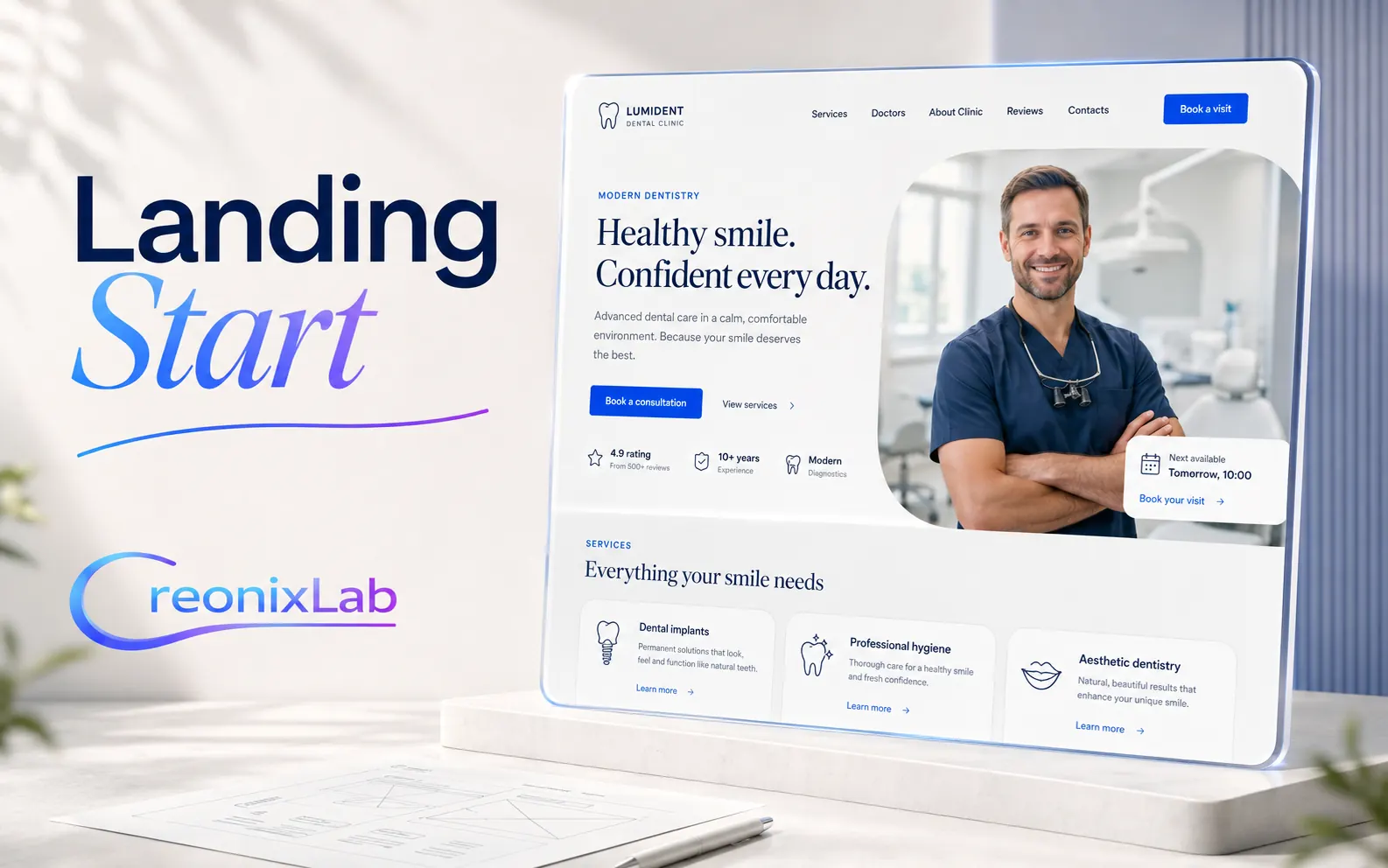
Landing Page Start
WordPress LANDING PAGE

Landing Page Start

A focused one-page foundation for one service, product, or campaign, with an inquiry form and basic SEO.

From $390 View solution

01 06