What Is PWA in Simple Words
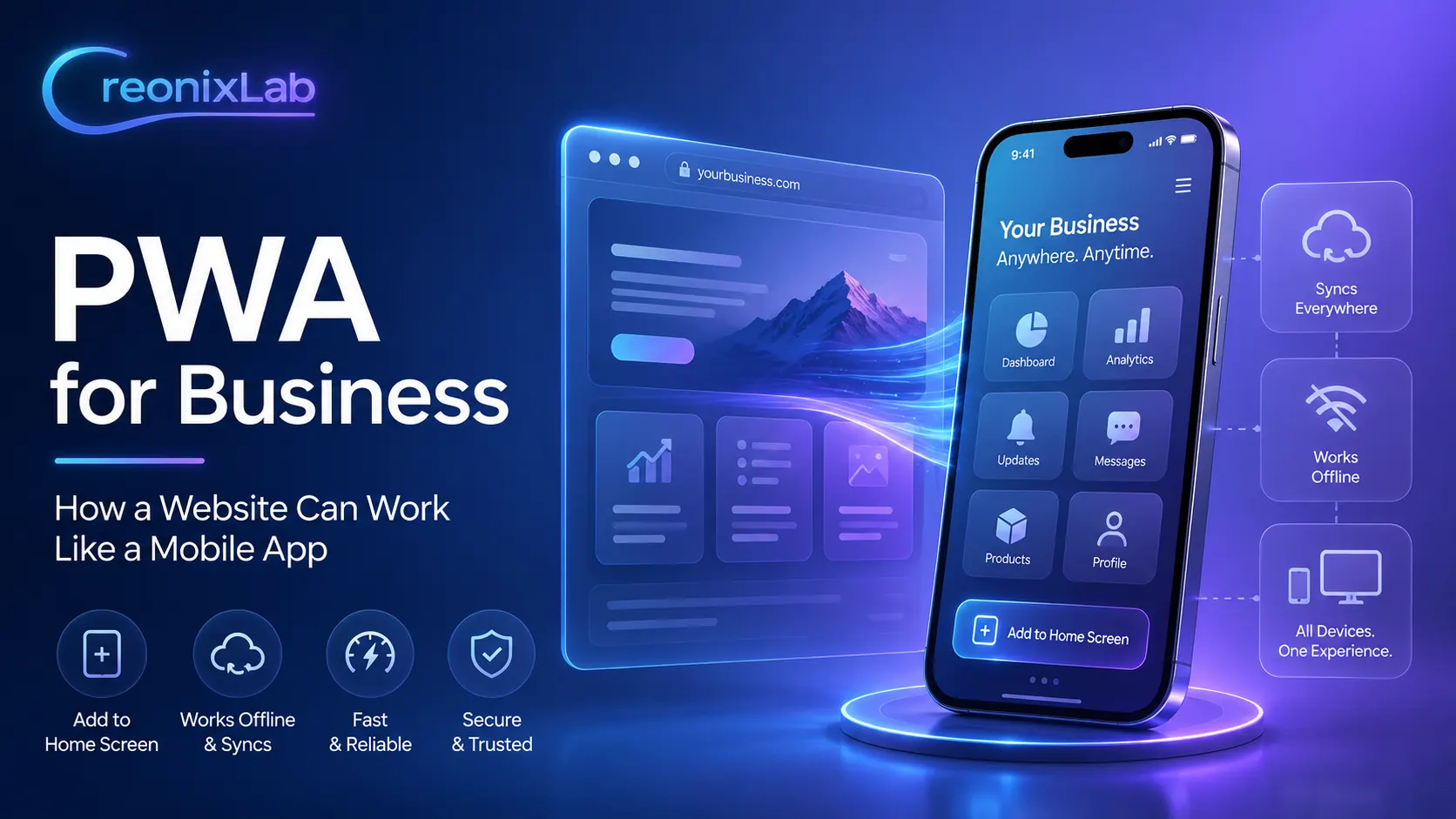
PWA is a modern web application that combines the capabilities of a website and a mobile app. A user opens the website in a browser but can add it to the phone’s home screen. After that, the website looks like a separate app for the customer: it has its own icon, opens quickly, can have an adapted mobile interface, and feels more convenient than a regular browser page.
So PWA is not a separate app written specifically for Android or iOS. It is a website that is properly prepared technically and visually to work closer to the mobile app format. For business, this means a simple idea:
you do not have to immediately invest in an expensive native app. You can first create a strong website or online service that will be convenient for customers on mobile devices.
How PWA Works for the User
Let’s imagine a simple example.
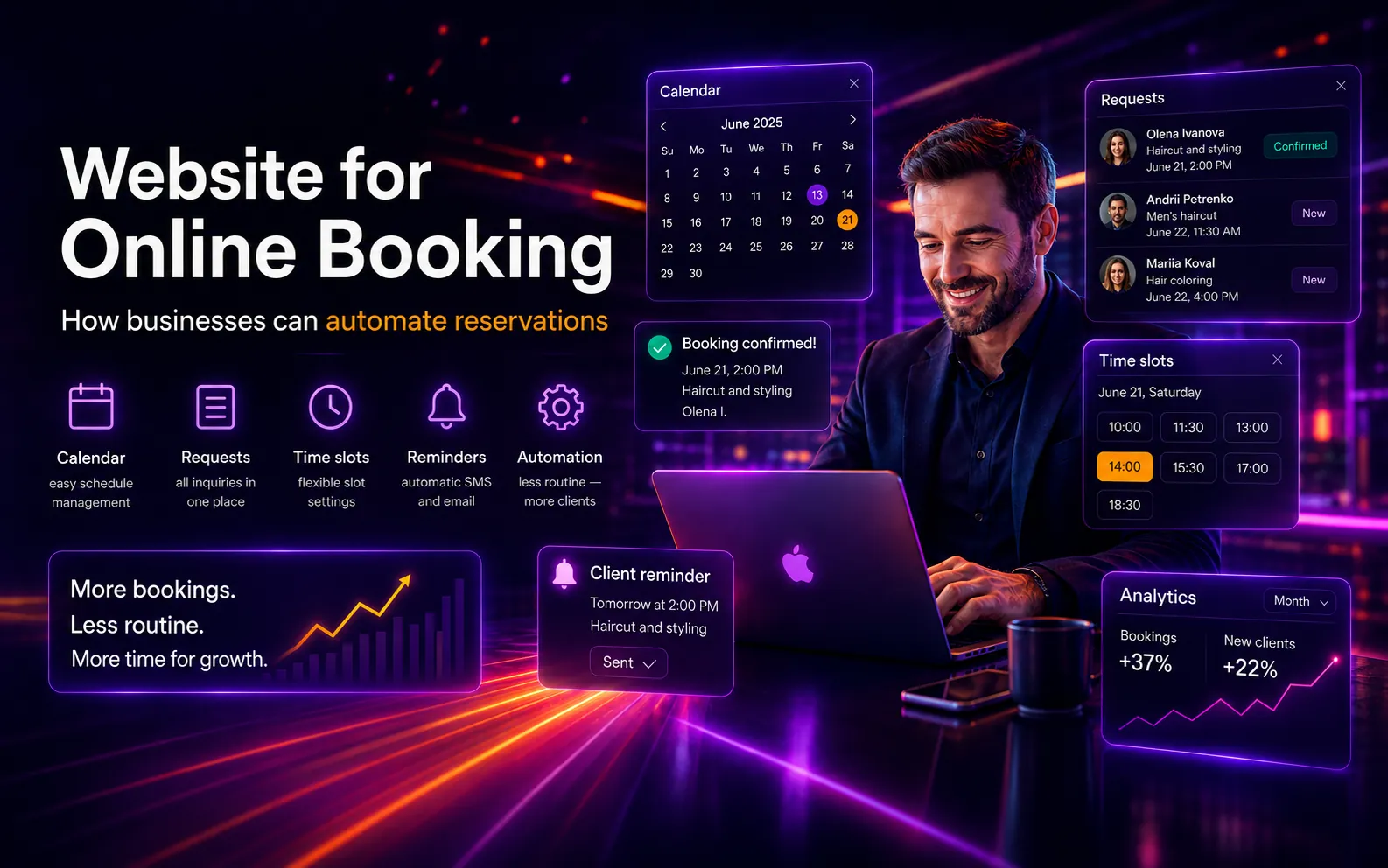
A customer visits your company’s website from a smartphone. The website has a convenient mobile interface, a personal account, booking functionality, a product catalog, or a service page. After that, the user can add the website to the phone’s home screen.
Then the customer no longer needs to search for you in Google, manually type the website address, or keep a browser tab open. They simply tap the icon, just like with a regular app.
This can be useful when a customer regularly returns to your service:
-
books services;
-
checks the schedule;
-
checks order status;
-
uses a personal account;
-
makes repeat purchases;
-
receives notifications;
-
views offers or promotions
How PWA Differs from a Regular Website
A regular website opens in a browser. The user needs to find it through Google, follow a link, open a tab, or save the page in bookmarks.
PWA works differently. It is also based on a website, but it has additional capabilities.
-
Installation on a Phone
The user can add the website to the home screen as an icon. To do this, PWA uses a web app manifest — a file that describes the app name, icons, colors, launch mode, and other settings.
-
A Separate App-Like Look
PWA can open without the standard browser interface, creating the feeling of a separate app.
-
Faster Repeat Opening
Thanks to caching, some resources can load faster, especially during repeat visits.
-
Partial Offline Functionality
Some website elements can remain available even without a stable internet connection. This is implemented through a service worker — a special browser script that can manage caching and network requests.
-
Push Notifications in Certain Scenarios
PWA can support notifications to bring users back, but this depends on the browser, device, user permissions, and technical implementation.
Comparison
How PWA Differs from a Native Mobile App
A native app is a separate application developed specifically for Android, iOS, or both platforms. It is usually published in Google Play and the App Store. PWA is a web application that works through browser technologies but can look and feel like an app.
PWA Is Better When You Need To:
launch the solution faster;
reduce the initial budget;
reduce the initial budget;
have one product instead of separate development for Android and iOS;
give customers convenient access from their phone;
create a personal account, catalog, booking system, or online service;
update functionality quickly without going through app store moderation.
A Native App Is Better When You Need:
very complex work with phone features;
deep integration with the camera, Bluetooth, NFC, geolocation, or other device capabilities;
maximum performance for a complex product;
placement in the App Store and Google Play as part of the business strategy;
complex logic that specifically requires a native environment.
Who Can Benefit from PWA
PWA is not suitable for every business, but it is especially useful when customers regularly return to the website: book services, check schedules, place orders, use a personal account, or view current offers. In such cases, the website becomes more than just an informational page — it turns into a convenient service that is always available on the customer’s phone.
Online Booking and Appointments
PWA works well for businesses where customers regularly book services:
beauty salons;
barbershops;
auto service stations;
medical clinics;
fitness and sports studios;
private specialists;
courses and consultations.
The customer can install the website on their phone, open it quickly, choose a service, date, time, and submit a request. This reduces unnecessary steps and makes the service more convenient.
Online Stores
For an online store, PWA can be useful when there are repeat purchases. For example, a customer often returns to the catalog, checks new products, promotions, favorite items, or order status.
PWA can help make the store closer to the user: the home screen icon reminds them of the brand and makes it easier to return to shopping.
Online Schools and Educational Services
For an online school, PWA can become a convenient entry point to the learning space. Users can open schedules, materials, homework, a student account, or a payment page.
For parents and students, this is convenient because they do not need to search for links in messengers or the browser every time.
Customer Personal Accounts
If your business has a customer account, PWA can make it more convenient.
For example:
order history;
request status;
documents;
payments;
notifications;
personal offers;
profile settings.
This is especially useful for service companies, financial services, B2B companies, delivery services, education projects, and platforms with repeated interaction.
Local Business
PWA can be useful even for local businesses. For example, a restaurant, delivery service, coffee shop, service center, or service studio can give customers quick access to a menu, booking, promotions, contacts, or order status.
What Are the Benefits of PWA for Business
-
Lower Launch Cost Compared to a Native App
Developing a separate app for Android and iOS often requires a larger budget. PWA allows you to use a website or web service as the foundation, so for many tasks the start can be more affordable. This is especially important for small and medium-sized businesses that want to improve customer experience but are not yet ready to invest a large budget in a full native app.
-
One Product for Different Devices
PWA can work on different devices from a single codebase. This is one of the key advantages of web applications: a business does not need to separately maintain several different product versions for different platforms.
-
Faster Updates
In a native app, updates often need to be published through app stores. In PWA, changes can be made on the website side, and users receive the updated interface or functionality faster. For business, this is convenient when content, pricing, services, promotions, or business logic need to be changed frequently.
-
Convenience for the Customer
The customer does not need to go to the App Store or Google Play, search for an app, download it, and wait for installation. They can add the website to the home screen directly from the browser. This reduces the entry barrier, especially if the user is not yet strongly loyal to the brand and is not ready to install a full app.
-
More Chances for Repeat Interactions
When your service icon is on the phone’s home screen, it is easier for the customer to return. This can positively influence repeat visits, orders, bookings, or views. PWA does not guarantee automatic sales growth, but it can make the user journey shorter and more convenient.